


Mix Anywhere: How I Use Virtual Monitoring Pro for Reliable Mix Translation

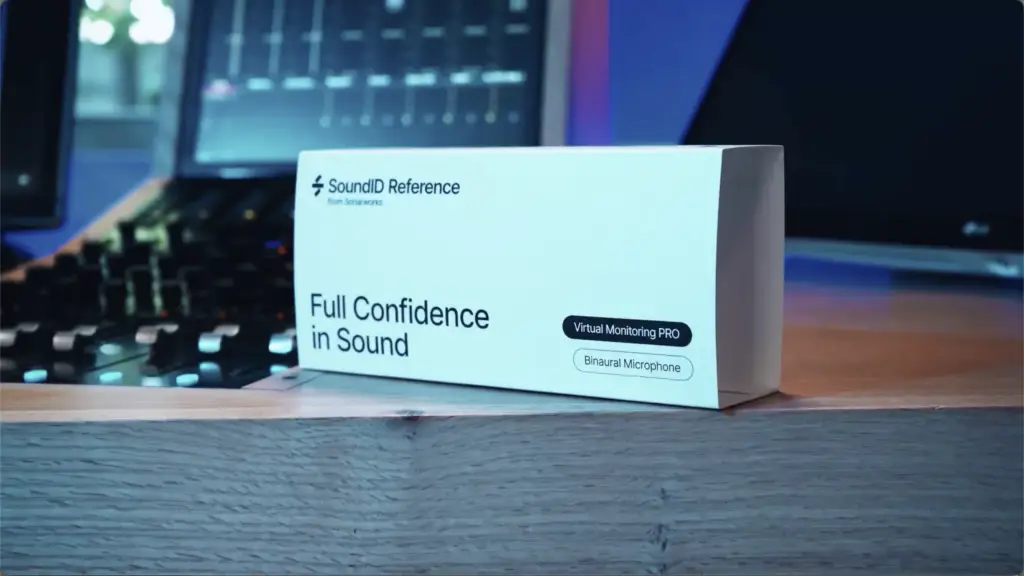
What is Virtual Monitoring PRO?
If you’ve ever tried to make mix decisions outside your studio, you know how quickly things can fall apart. A mix that felt balanced at home suddenly feels off. Low-end changes. Reverbs jump out. Everything feels a little… uncertain. That’s the real problem Virtual Monitoring PRO is trying to solve.
Sonarworks introduced Virtual Monitoring PRO as a way for engineers and home-studio producers to “sample” the sound of a trusted space—and bring it with them anywhere.
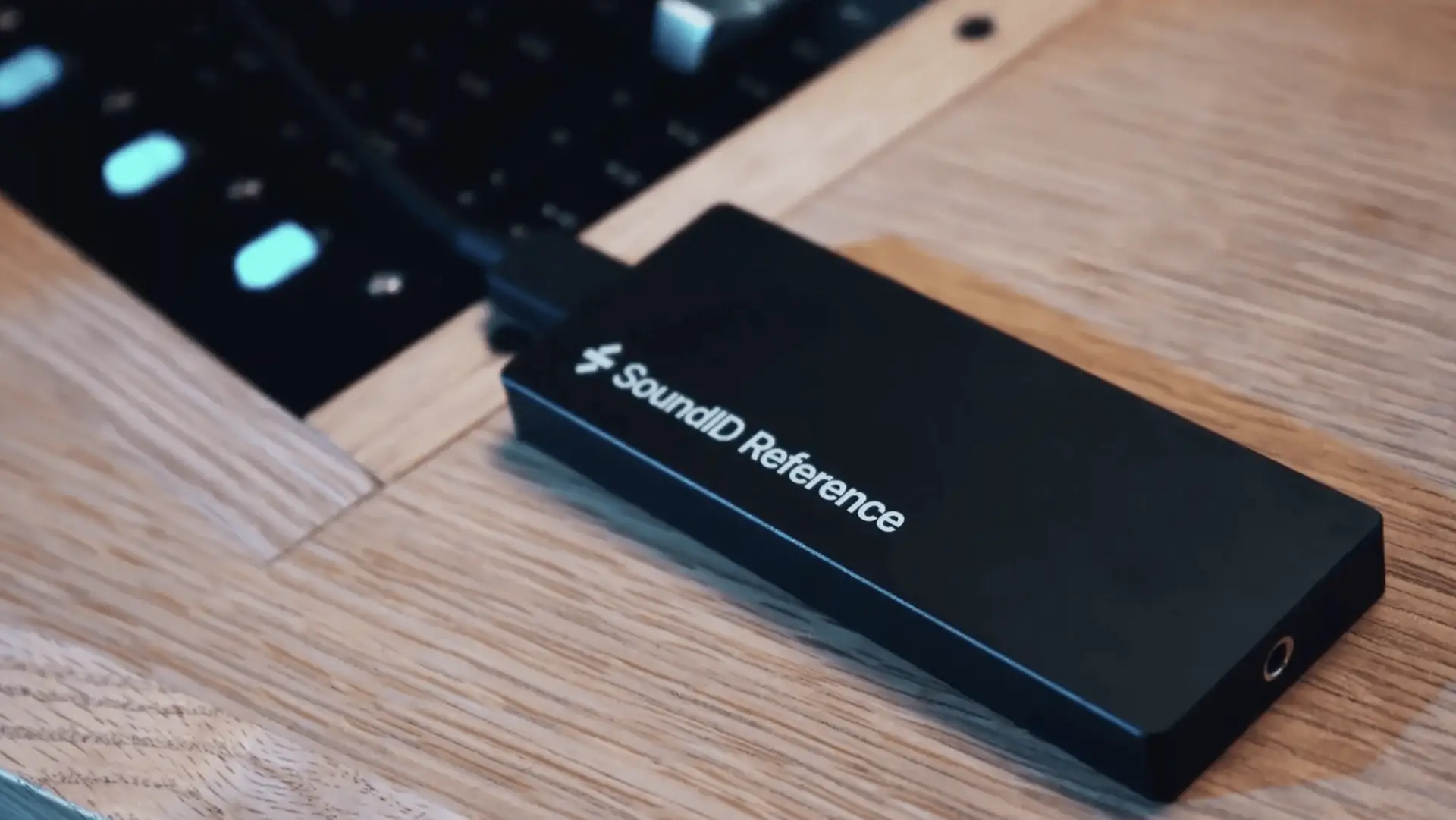
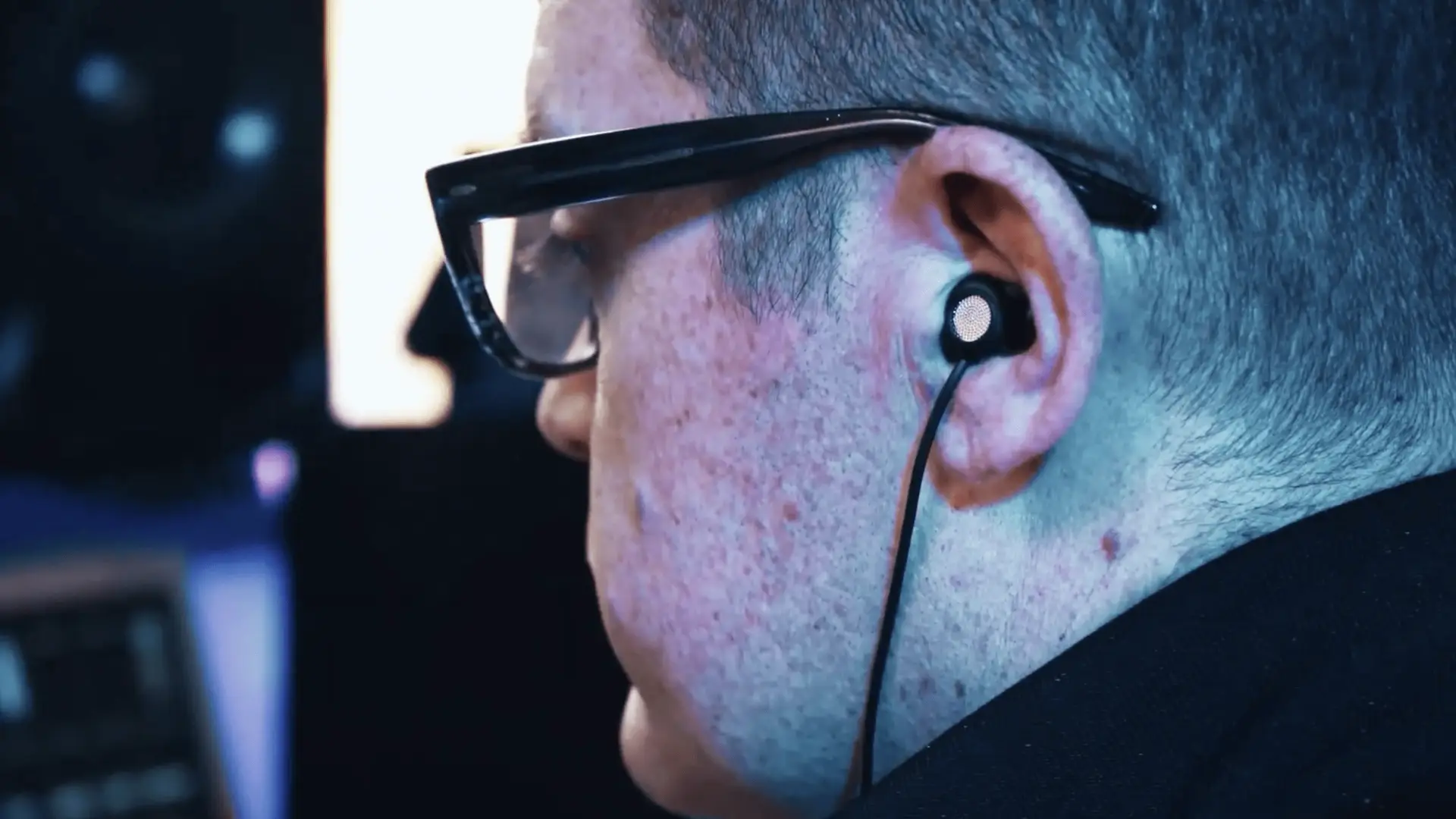
The system includes binaural measurement headphones and a USB-C interface, allowing you to capture the acoustic fingerprint of your room and recreate it on headphones.
The setup is quick, software-guided, and surprisingly simple. Within minutes, I was listening to mixes “in my room”… on headphones.
It’s a wild experience.
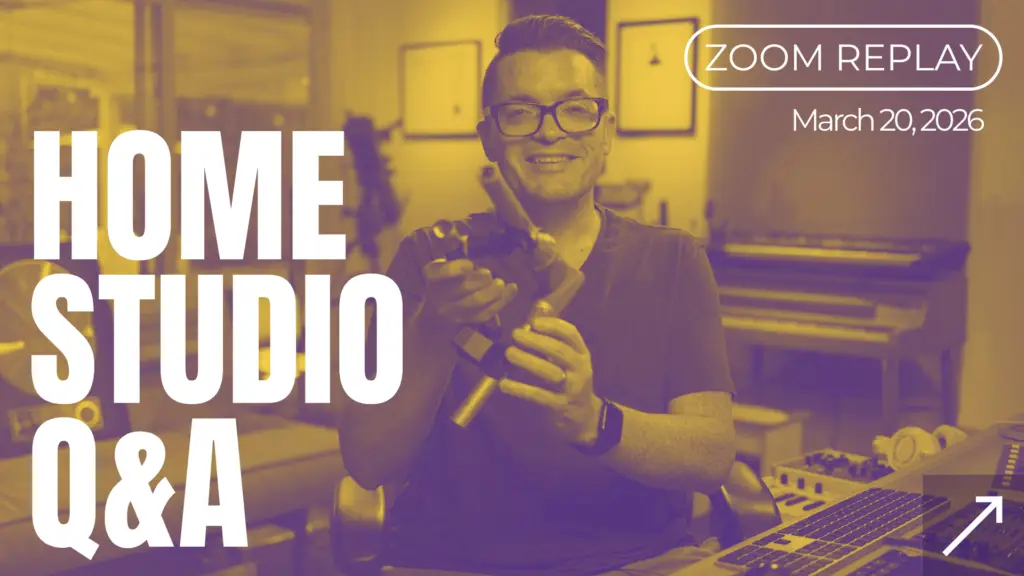
I recently hosted the Sonarworks team at my studio and walked through exactly how I’m using it in my workflow—from measurement to real-world mix decisions.
👉 Check out Virtual Monitoring PRO here
Some of the links in this post are affiliate links, which means I may earn a small commission if you decide to try it—at no extra cost to you. I only recommend tools I actually use in my own workflow.
Sound ID Reference: My Sonarworks Backstory
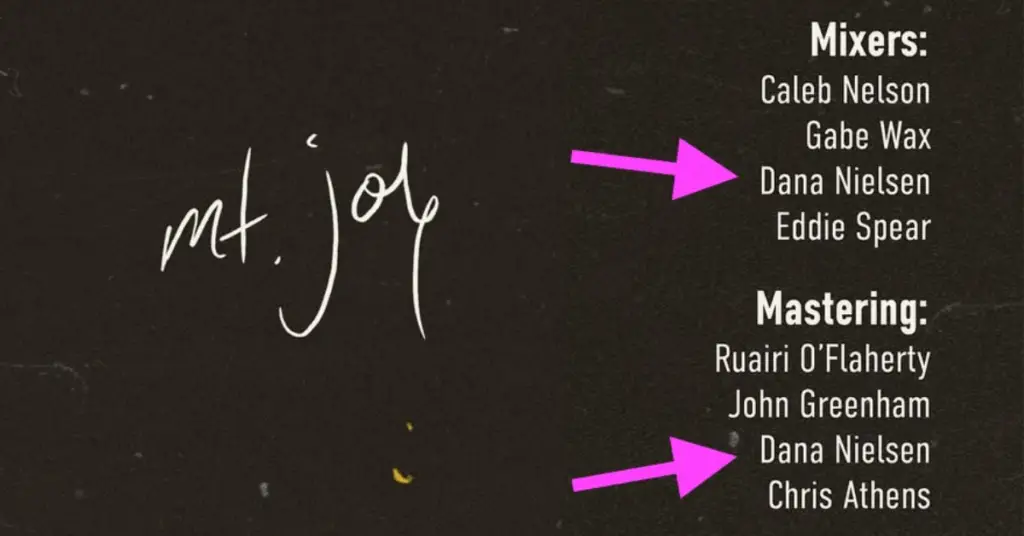
I’ve mixed a wide range of genres—from artists like SZA, Smashing Pumpkins, and Santana to The Avett Brothers, Mt. Joy, and Neil Diamond—and all of it has been done right here in my home studio.
Listen to my interactive discography here: dananielsen.com
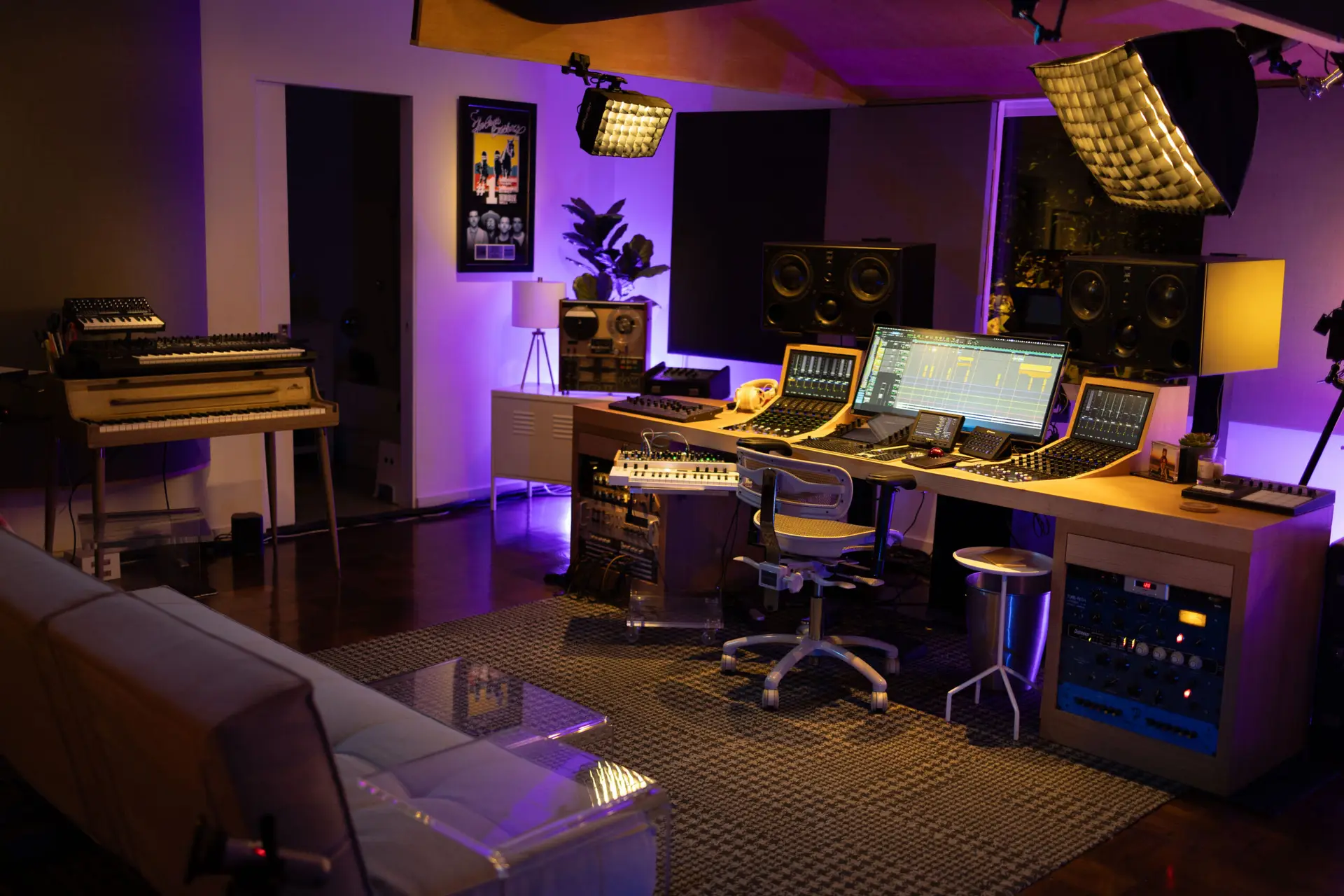
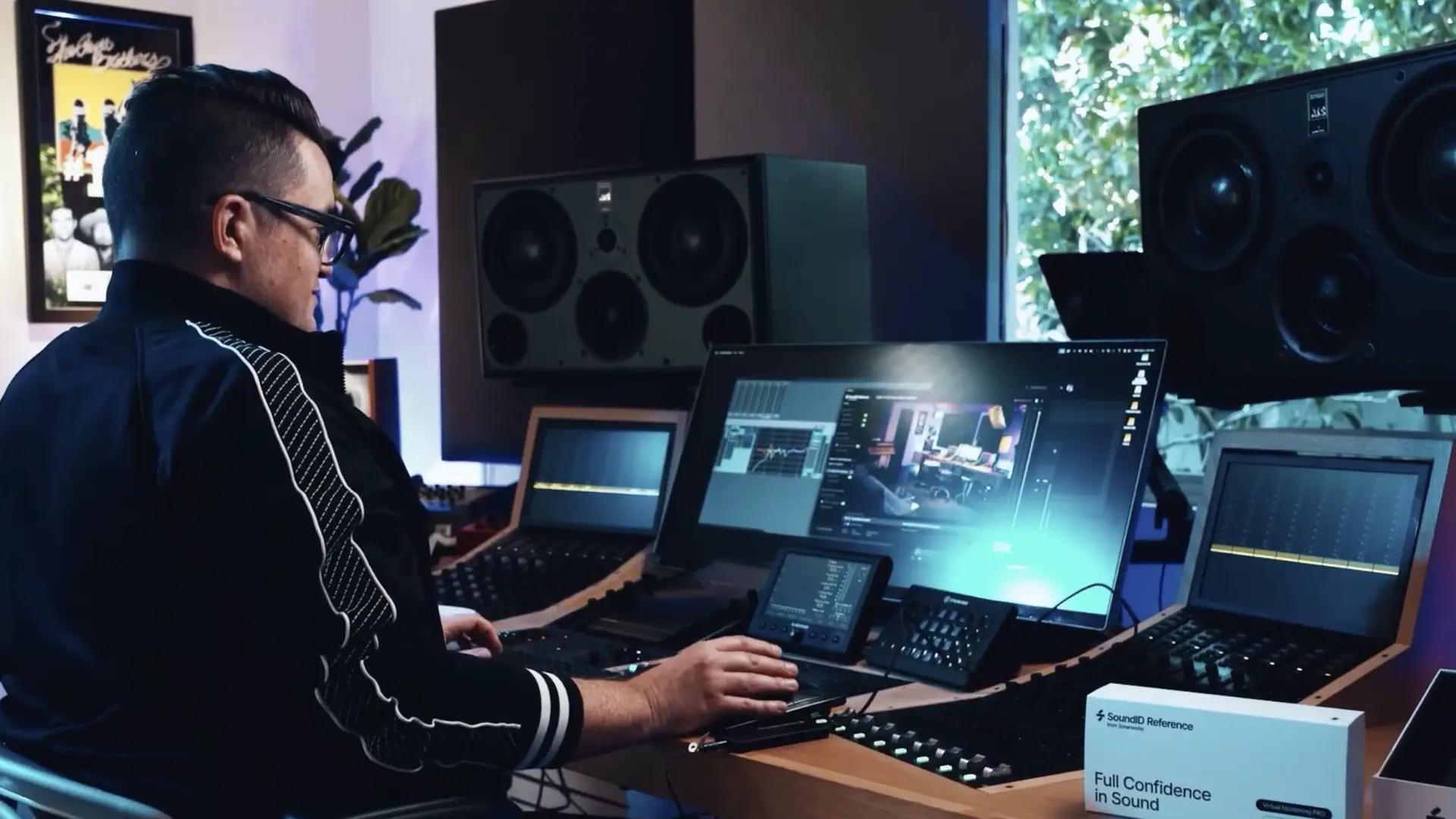
My setup is built around a Pro Tools HDX system, ATC loudspeakers, and an Avid S6 console. Over the years, I’ve dialed in this room to the point where I trust it completely—and a big part of that comes from Sonarworks SoundID Reference.
SoundID Reference applies corrective EQ to my monitoring chain, helping offset the frequency imbalances introduced by the room itself. Because the truth is: even the most “perfect” studio monitor isn’t actually flat once it’s placed in a real-world environment.
A speaker might measure beautifully in an anechoic chamber, but place it in a typical room—especially a home studio—and everything changes.
And despite how it might look, my room isn’t some ultra-isolated, purpose-built facility.
No floating floors.
No isolated walls.
Not much insulation behind the drywall… and none above the A-frame ceiling.
It’s a good room—but it’s still a room.
And that’s really the point.
Because the challenge for me has never been getting my studio to sound perfect. I love and trust my room exactly as it is.
The challenge is what happens when I leave it.
That’s the gap Sonarworks’ Virtual Monitoring Pro is designed to fill—bringing the sound of a trusted space with you, wherever you’re working.
Working in Unfamiliar Spaces
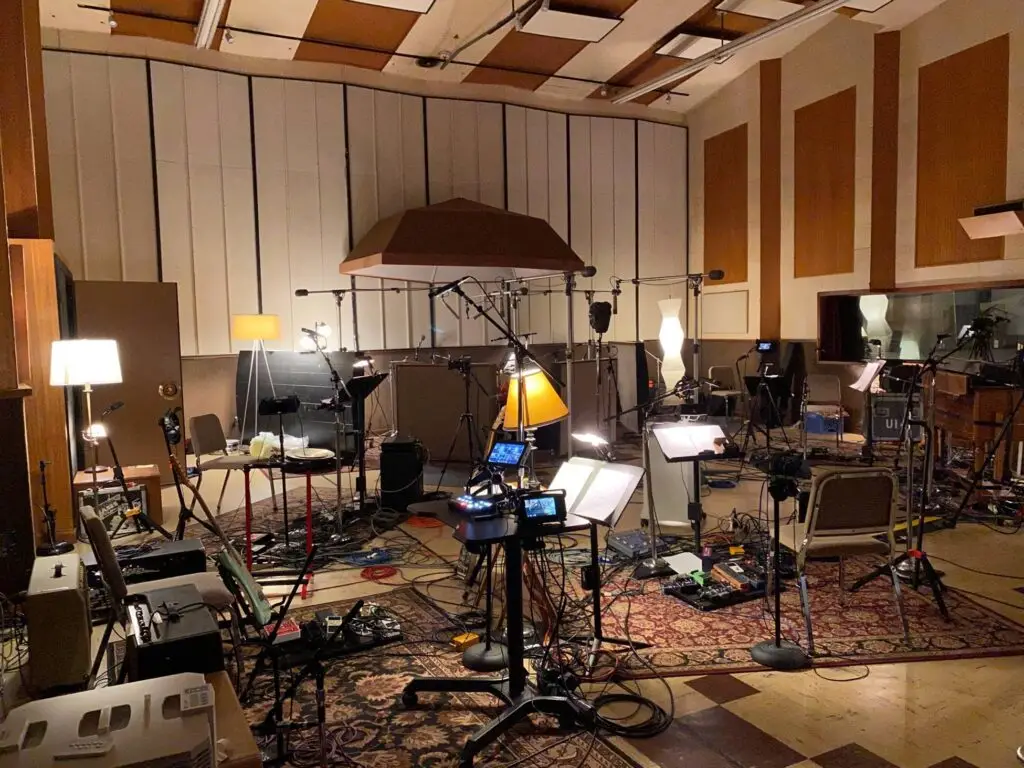
I do a lot of work at other studios for recording and band tracking, which means I'm constantly walking into new acoustic environments. And adapting to a new space is always a little daunting.
The moment I walk into a room I can tell by the sound of my own footsteps how it's going to behave — whether there are reflections, flutters, resonances, or that telltale echoey slap that makes critical listening feel like guesswork.
The core question is always the same: what’s actually coming out of the speakers, and how much of it is the room?
• Good speakers help.
• Reference mixes help.
• Tools like SoundID Reference help.
But at the end of the day, mix translation is everything.
It doesn’t matter how good it sounds in your room if it doesn’t hold up everywhere else.
What Makes Virtual Monitoring Pro Different from Other Room Modeling Software
When I first heard about Virtual Monitoring Pro, I was interested—but skeptical.
I’ve tried “virtual monitoring” plugins before, and most of them feel disorienting. You’re listening through the acoustic signature of rooms you’ve never been in, on speakers you’ve never heard.
So the question becomes: why would I trust that?
Here’s where Sonarworks VM PRO stands out from the crowd: it’s a sampling tool for your own space (or other spaces you visit and love). The idea of being able to capture the acoustic fingerprint of my own studio and then reference it through headphones — from anywhere — was exactly what I'd been looking for without knowing I needed it.
I did the initial measurement of my studio quickly and easily, and the results were wild.
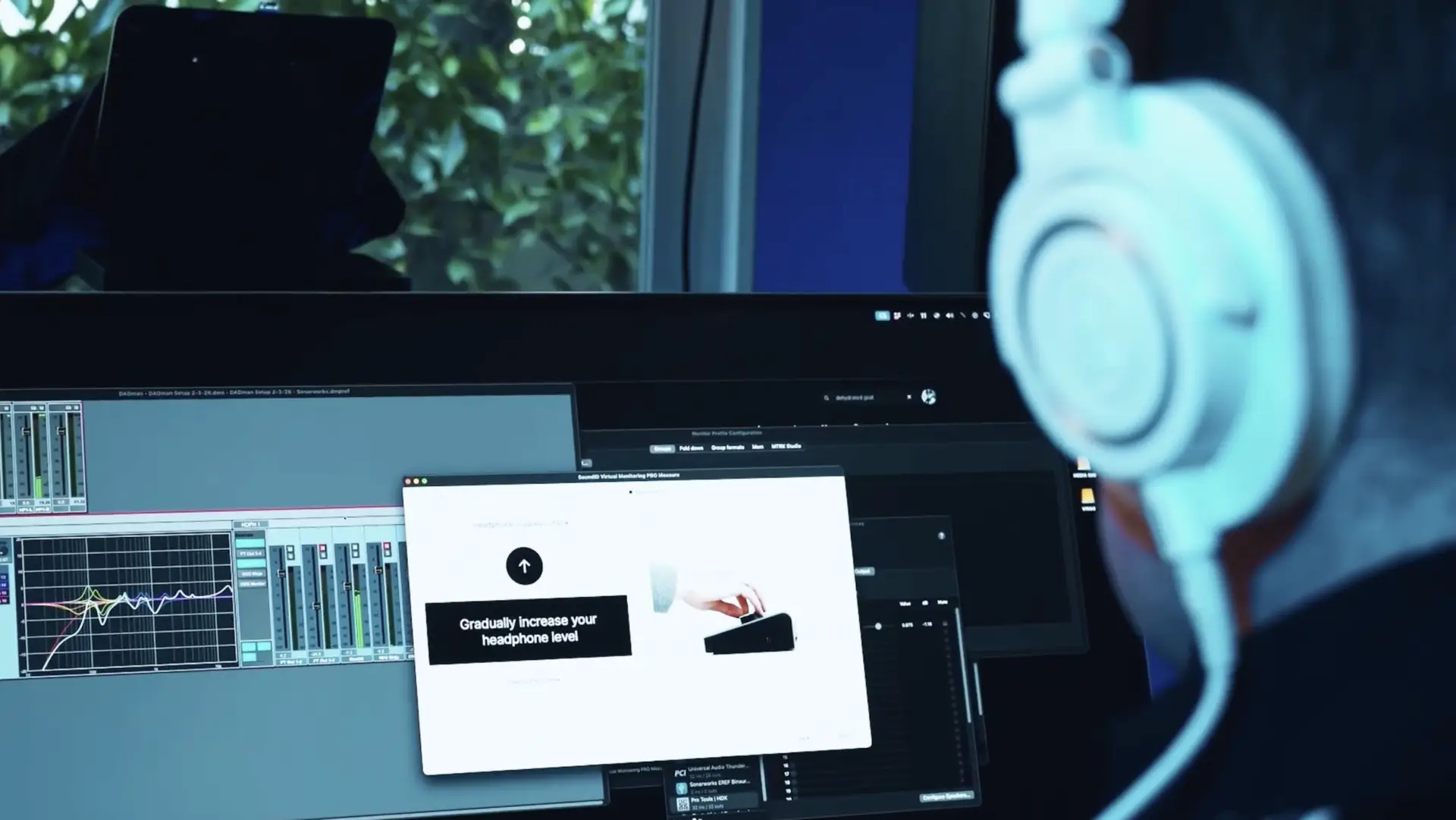
Sitting there with my headphones on, I could hear the room around me even though I was wearing cans. When I panned something hard left, I still heard the room reflections on the right side of the space. It's a strange and disorienting feeling in the best way…
…like for a second you genuinely forget you're wearing headphones.
Another difference that sets VM PRO apart is that it runs inside Sonarworks’ Sound ID Reference – as either a plugin in your DAW or a standalone system-wide app.
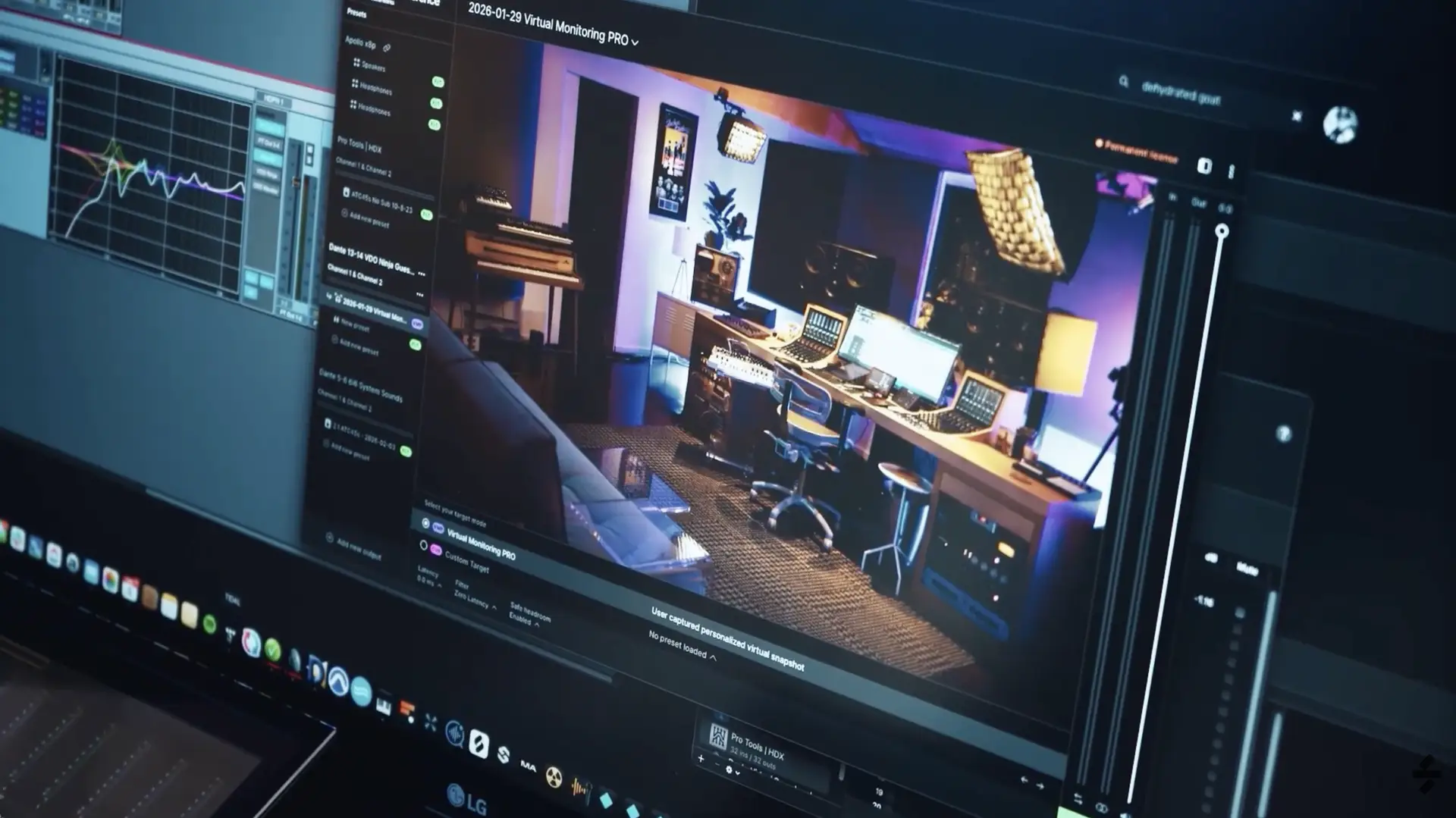
When I’m on my laptop working away from my studio, I often switch the sound output setting on my laptop from Built-In Headphones to SoundID Reference, allowing me to enjoy the Virtual Monitoring Pro experience across all open apps – Pro Tools, Tidal, YouTube, etc.
This really keeps my head (and ears) in the game while app-switching.
Rethinking How I Use Headphones
I've always used headphones as a checking tool, not a mixing tool. I'll put them on when I'm printing a mix and suddenly catch something — too much reverb, a delay that's getting smeared — things that become obvious when sound is right up against your ears.
But I wouldn't build a mix on headphones. That's just not how I work.
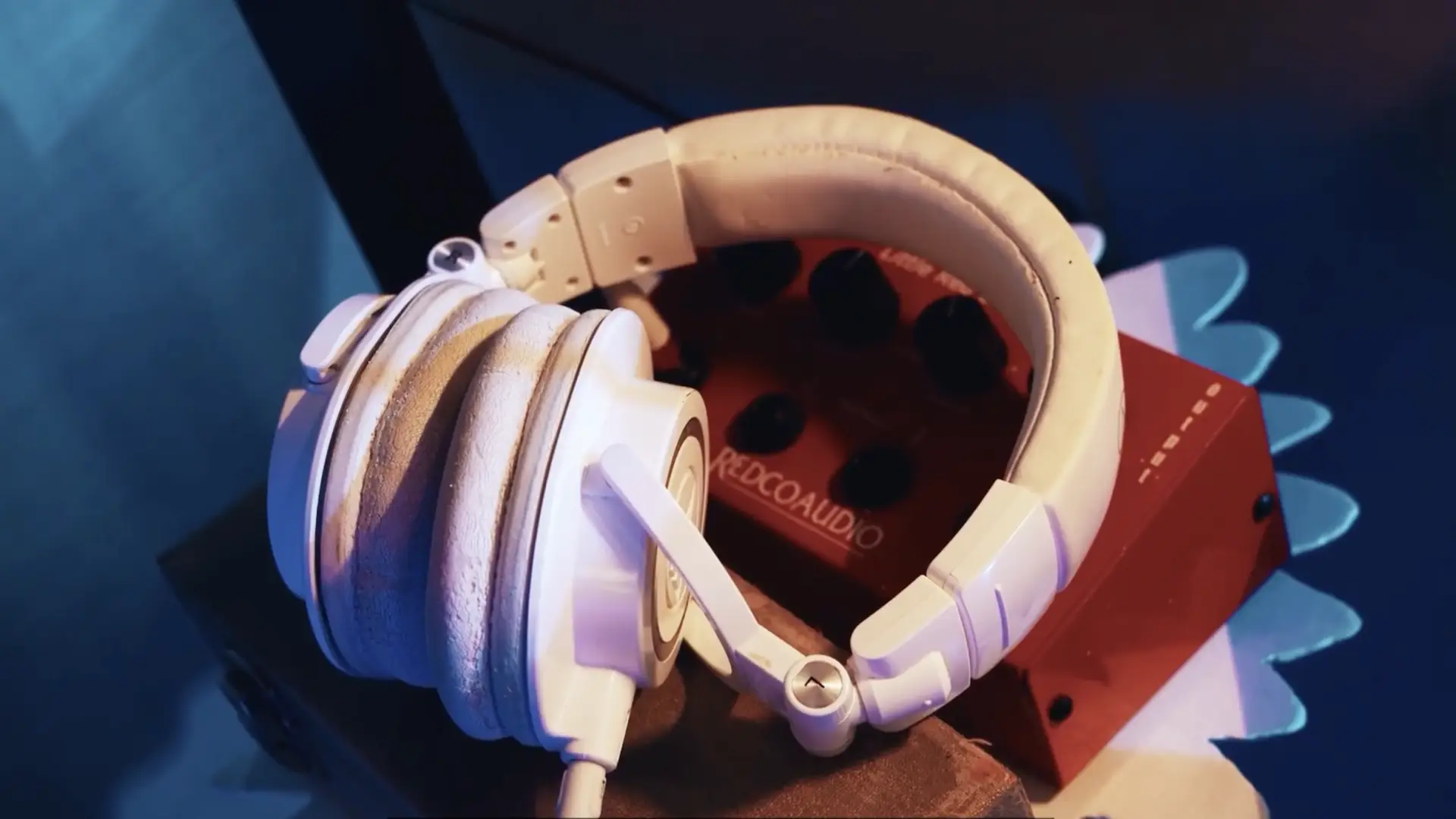
Virtual Monitoring Pro gave my headphones a second life. Now they serve two purposes instead of one. When I need that straight headphone check, I use them the way I always have with no “virtual monitoring” applied.
But when I'm on the road, in a hotel, or working away from the studio and I need to evaluate or update a mix, I flip on Virtual Monitoring Pro (VM PRO) and suddenly I feel like I'm sitting right back at home in my studio. VM PRO is super helpful in these instances, allowing me to make critical mix decisions based on the (virtual) sound of my ATC speaker playback in my studio space – rather than the typical hyper-isolated headphone listening experience.
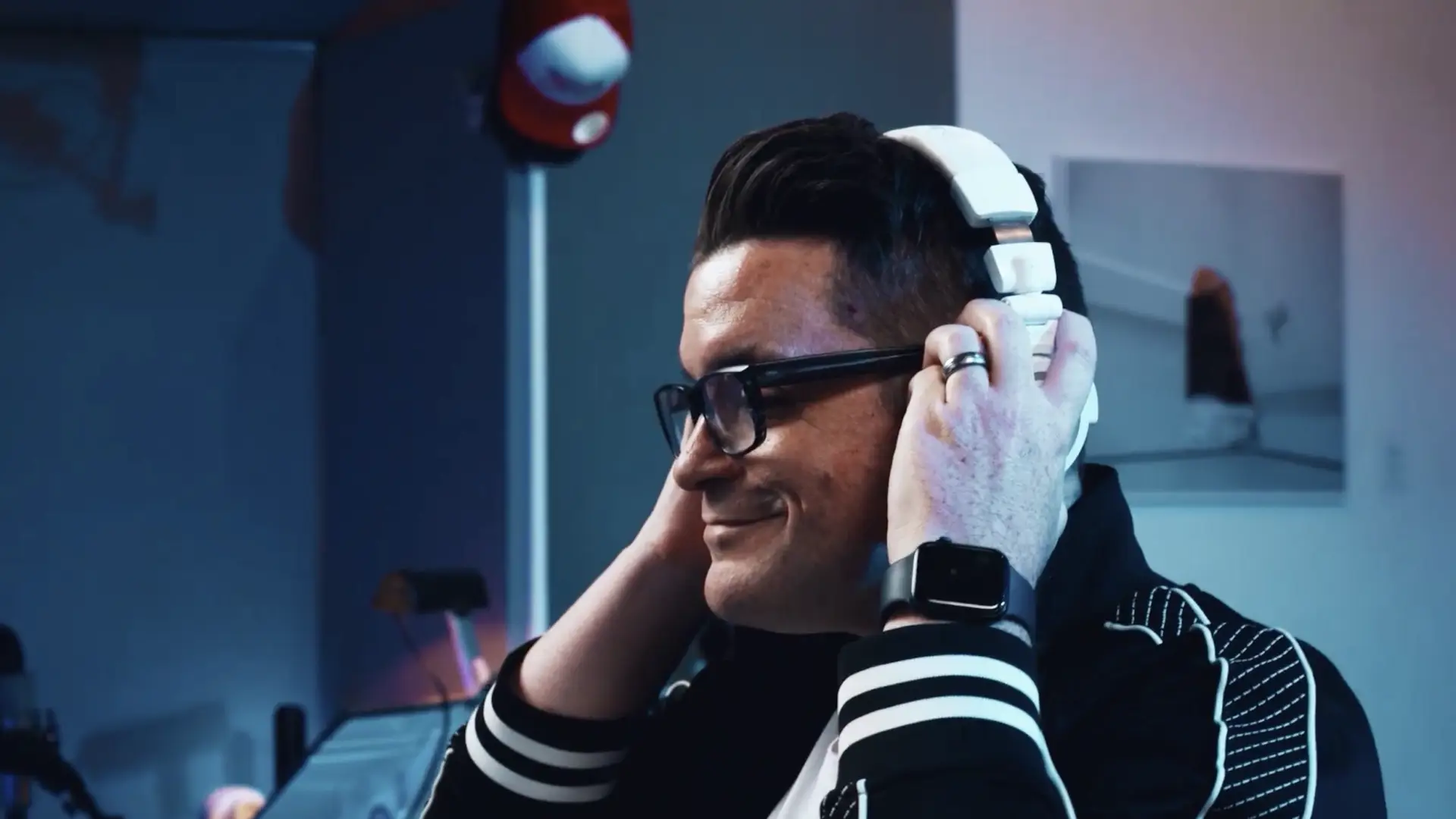
The real test is what happens when I come back home to my studio.
I’ll have made several mix adjustments while working away from home in headphones — EQ adjustments, volume automation, panning decisions — and when I return to the studio, I'm consistently finding that my instincts were right.
The mix changes I’ve made while listening on my laptop with Virtual Monitoring Pro are translating exactly as expected when I review those changes, physically, in the studio.
That's the validation. That's what makes it a real workflow tool and not just a novelty.
It Has to Be Your Measurement
One thing I didn't fully appreciate at first: the measurement is deeply personal.
It's not just the room — it's the room as perceived by your specific head and ears.
Someone else sitting in this exact chair, in this exact room, isn't going to experience the sound the same way I do. So you can't share measurements or borrow someone else's. It has to be yours.
That's actually part of what makes it so effective.
The more I've lived with it and taken it into different situations, the more I've come to appreciate how much thought went into that. It's not a shortcut — it's a precise calibration built around you specifically.
Virtual Monitoring PRO: Where I'm Taking It From Here
I’ve had a lot of people in the Mix Protégé community asking about SoundID Virtual Monitoring Pro by Sonarworks, and I’m genuinely excited to report back that it delivers.
The more I travel and work outside my studio, the more I find myself relying on it—not as a replacement, but as an extension of a system I already trust.
That’s the key.
It’s not about mixing “on headphones.”
It’s about bringing your reference with you.
If you spend any time working outside your primary space—or you’ve ever second-guessed a mix because of the room—you’ll immediately understand the value here.
If you want to check it out, you can learn more here: sonarworks.com/soundid-vm-pro


Responses